python词云-孤勇者 大家好!我是羔羊,今天和大家一起探讨下关于python词云的使用和下载
首先我们先看一下所需要用到的库
wordcloud、jieba、imageio
这三个库,其中 wordcloud 库是系统自带库不需要我们下载,剩下两个库需要我们通过
pip install 去进行下载这里最好加上源进行下载:
国内源:https://pypi.tuna.tsinghua.edu.cn/simple http://mirrors.aliyun.com/pypi/simple/ https://pypi.mirrors.ustc.edu.cn/simple/ http://pypi.hustunique.com/ http://pypi.sdutlinux.org/ http://pypi.douban.com/simple/
1
2
3
4
pip install jieba -i http://pypi.douban.com/simple/ pip install imageio -i http://pypi.douban.com/simple/
接下来上代码
1
2
3
4
5
6
7
8
9
10
11
12
13
14
15
16
17
18
19
20
21
22
23
24
25
26
27
28
29
30
31
32
33
34
35
36
37
38
39
40
41
42
43
44
45
46
47
48
49
50
51
52
53
54
55
from wordcloud import WordCloud,ImageColorGeneratorimport jiebaimport imageiofile = open ('孤勇者歌词.txt' ,encoding = 'utf-8' ) content = file.read() content = content.replace("\n" , " " ).replace(" " , "" ) file.close() text = jieba.cut(content) textList = list (text) wordDict = {} for word in textList: if word not in wordDict: if len (word) >= 2 : wordDict[word] = 1 elif word in wordDict: wordDict[word] += 1 img = imageio.imread('金克丝.jpg' ) wc = WordCloud( font_path="msyhl.ttc" , width = 640 , height = 376 , background_color="white" , max_font_size=150 , min_font_size=2 , max_words=1000 , mask=img, scale = 10 ) wc.generate_from_frequencies(wordDict) color = ImageColorGenerator(img) wc.recolor(color_func=color) wc.to_file("孤勇者.png" )
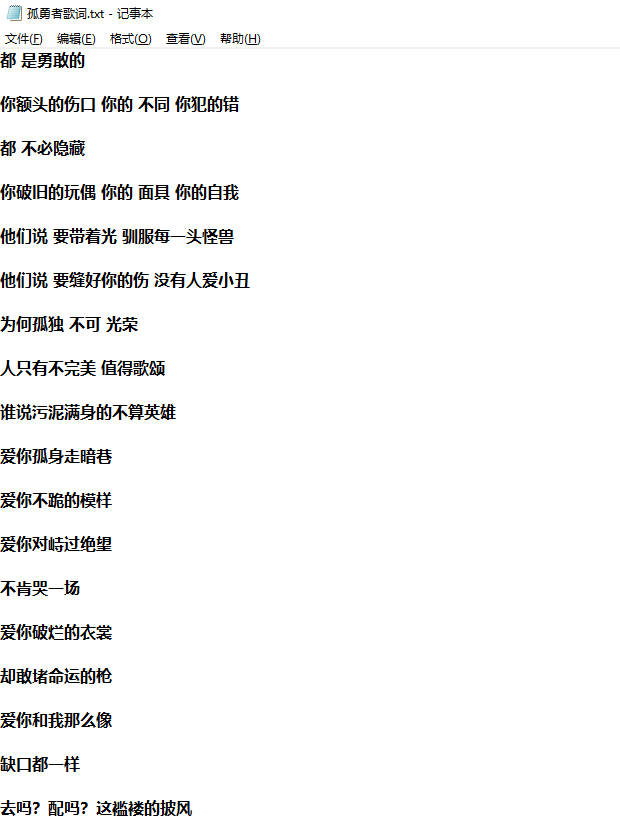
首先我们百度找到歌词然后创建一个txt文本讲其保存起来当做素材:
因为爬下来就是这样子的,懒得修改格式了,直接用代码来解决换行问题
1 2 3 content = content.replace("\n" , " " ).replace(" " , "" )
然后我们将文章整个读取下来并且保存到变量content 中,然后关闭文件。
1 2 3 4 5 6 file = open ('孤勇者歌词.txt' ,encoding = 'utf-8' ) content = file.read() content = content.replace("\n" , " " ).replace(" " , "" ) file.close()
然后,我们还需要将刚刚获取到的内容给进行处理,比如将歌词进行分词,让其变成一个一个的词语
1
2
text = jieba.cut(content) textList = list (text)
在这里需要注意,首先
1 text = jieba.cut(content)
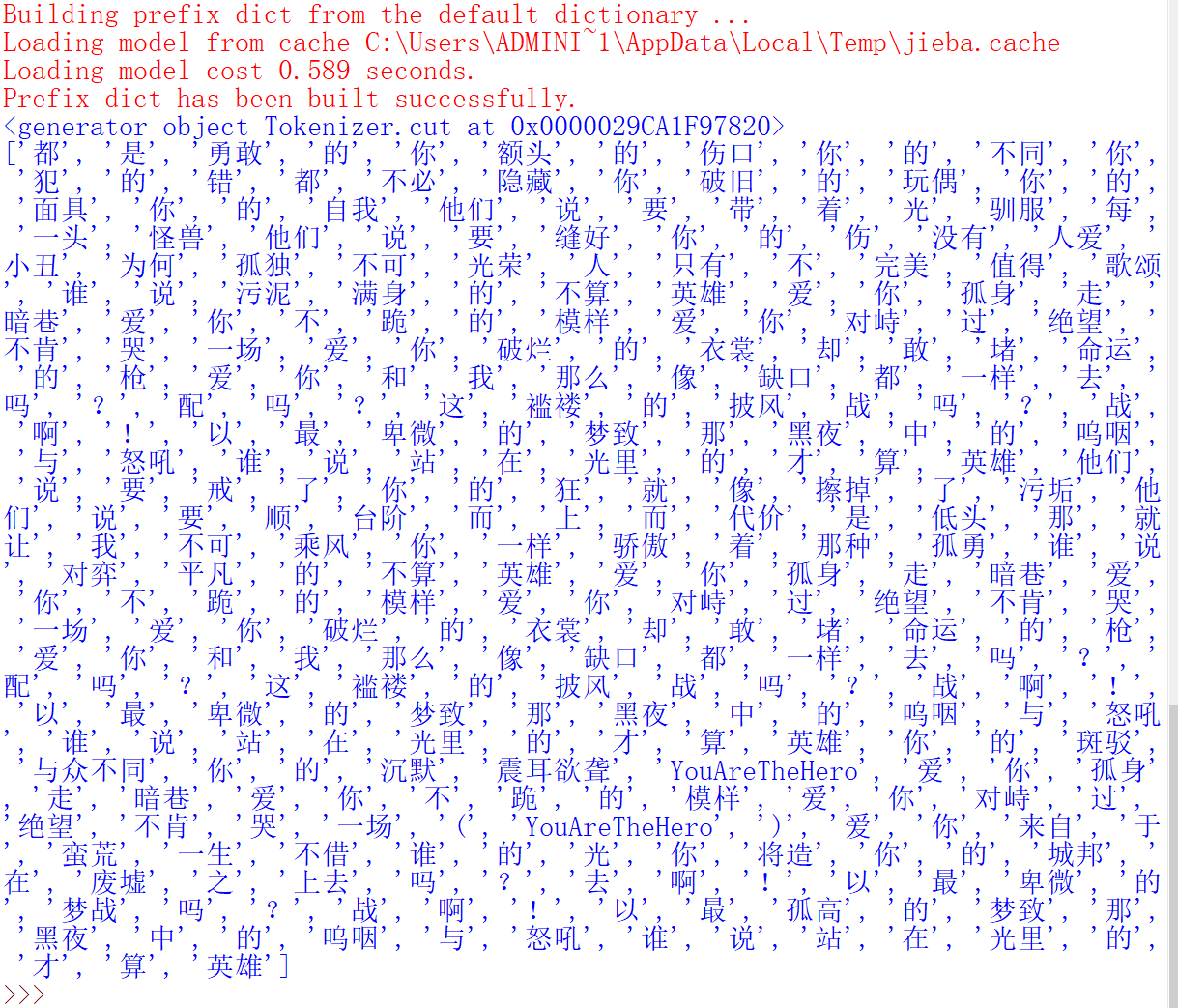
是将歌词转化为迭代器类型(object类型)也就是这个样子:
<generator object Tokenizer.cut at 0x0000029CA1F97820>
我们需要将他转化为我们看得懂的东西,所以需要列表化一下
然后他就会以列表的形式出现:
但是问题又出来了,里面有大量一个字的词,如果是一个字的词云的话会显的非常的尴尬:
所以我们需要设定一下,让词云最少获取到两个不然一个字的看起来就很尴尬
1 2 3 4 5 6 7 8 9 wordDict = {} for word in textList: if word not in wordDict: if len (word) >= 2 : wordDict[word] = 1 elif word in wordDict: wordDict[word] += 1 print (wordDict)
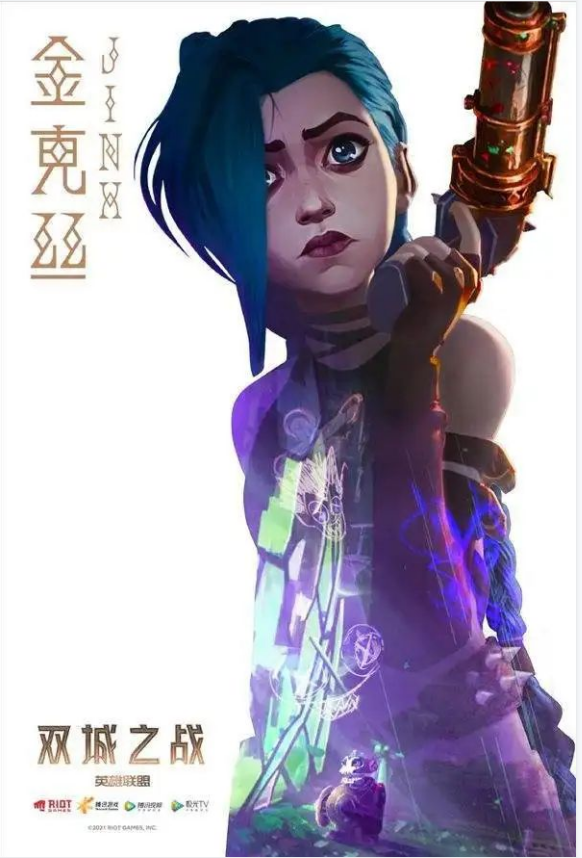
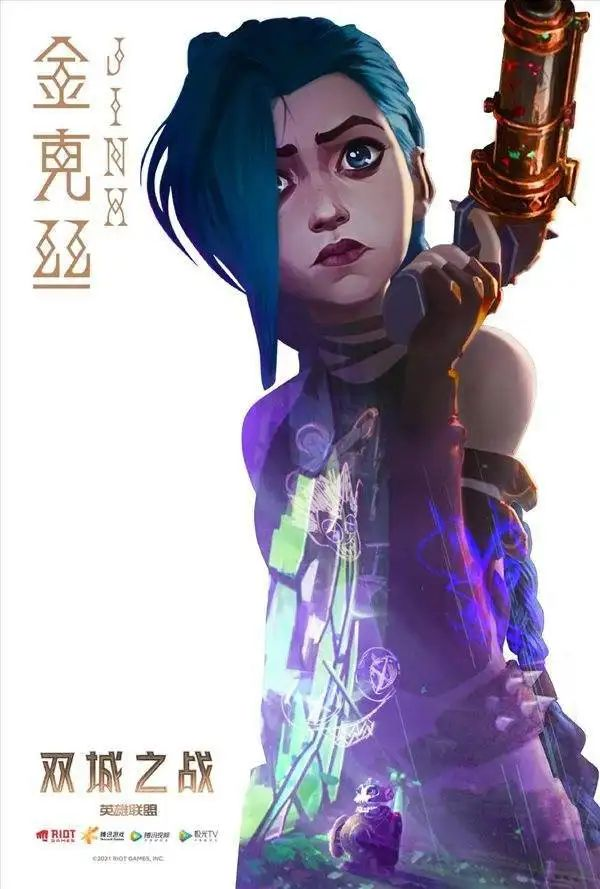
词语弄好了以后我们再来找一张图片,让我们的词语按照图片的形状来进行形成,在这里我用的是金克丝的图片:
然后加载图片:
1 2 img = imageio.imread('金克丝.jpg' )
加载完成就是生成我们需要的词云了
1 2 3 4 5 6 7 8 9 10 11 12 13 14 15 16 17 18 19 20 21 22 wc = WordCloud( font_path="msyhl.ttc" , width = 640 , height = 376 , background_color="white" , max_font_size=150 , min_font_size=2 , max_words=1000 , mask=img, scale = 10 ) wc.generate_from_frequencies(wordDict) color = ImageColorGenerator(img) wc.recolor(color_func=color) wc.to_file("孤勇者.png" )
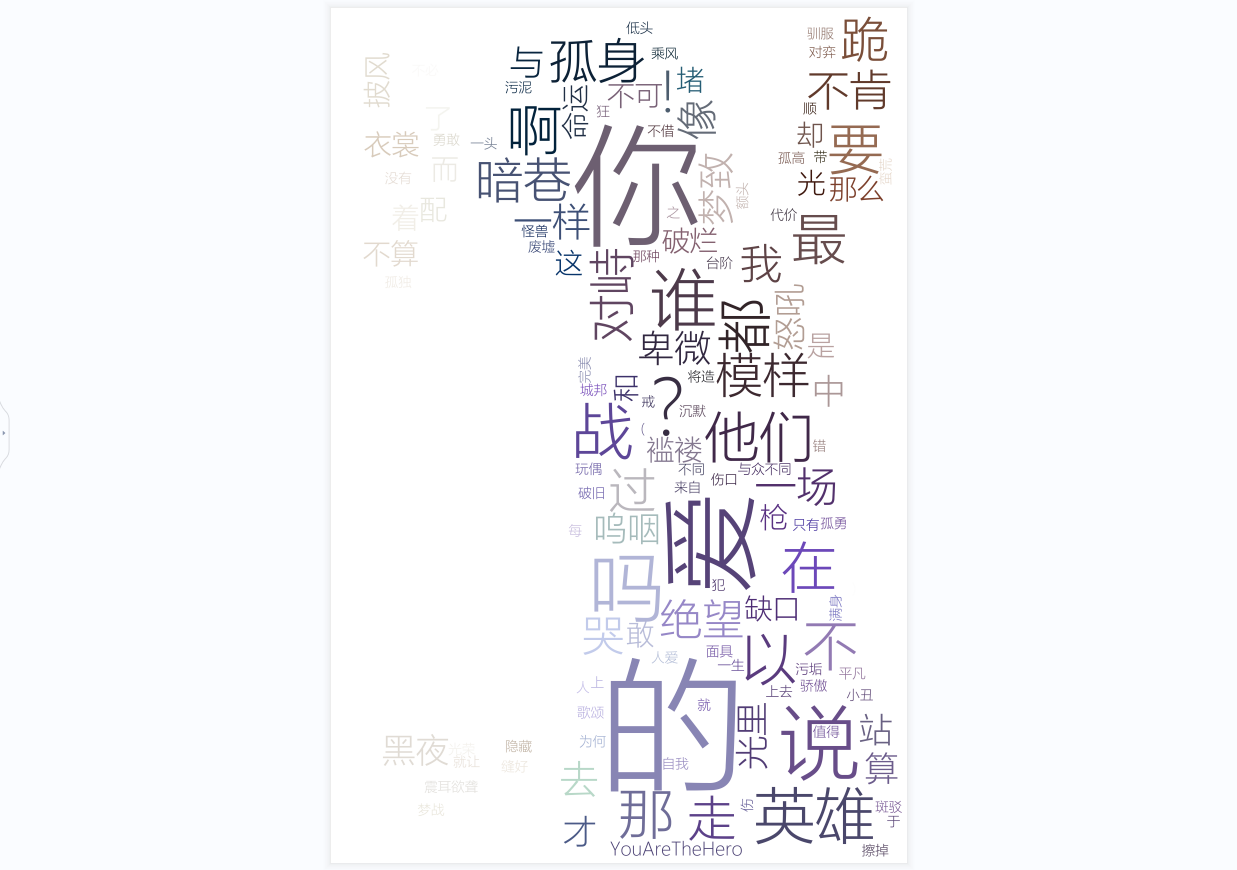
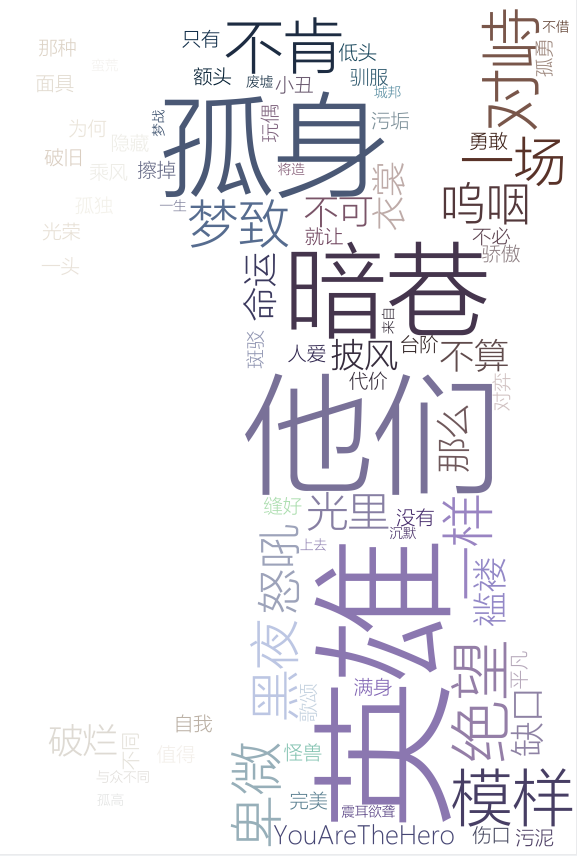
接下来的代码就基本上是生成词云的固定写法,不会有啥太大的改变就不一一讲解了直接上结果:
打完收工!